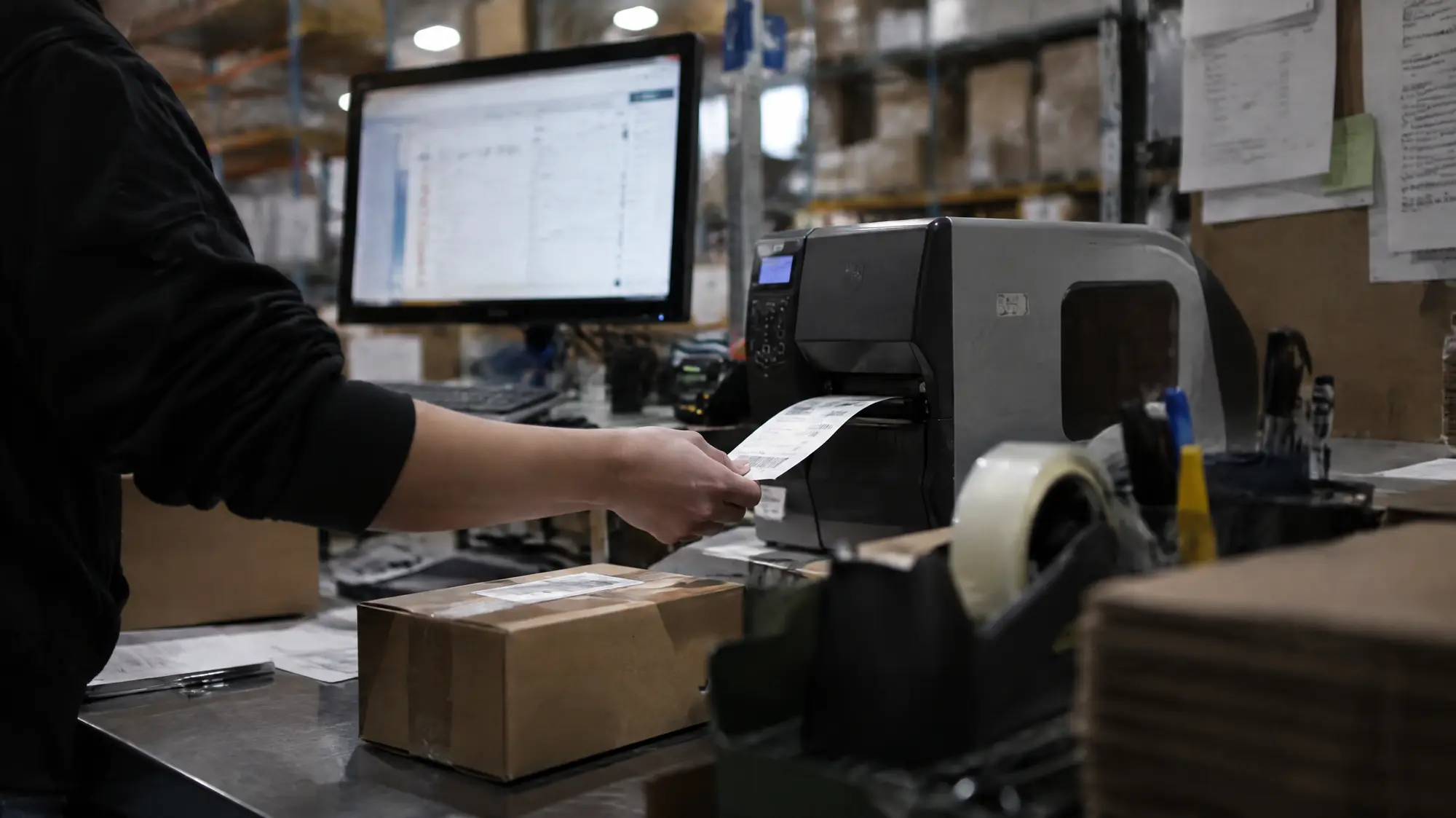
A good agent integration means orders flow to China, tracking flows back to Shopify, and you only step in when something is wrong. Here is how to set it up properly.
To connect a dropshipping agent to Shopify, you usually install the agent’s app from the Shopify App Store (or an app link they send you), approve its access to orders and products, map each of your products to the agent’s SKUs, and set rules for when orders are sent. From then on, paid orders flow to the agent automatically and tracking numbers come back to Shopify, which notifies your customers.
The setup takes an hour or two, but small mistakes (a missing SKU mapping, the wrong fulfillment setting) are behind most lost, stuck and duplicated orders. This guide walks through each step and what to check.
What are the ways to connect a dropshipping agent to Shopify?
There are three common setups. Most serious agents offer the first, and you should expect it once you pass a handful of orders a day.
Method
How it works
Best for
Drawbacks
Agent’s Shopify app
The app reads paid orders and writes back tracking automatically
Any store past the testing stage
You must review the permissions you grant
Custom fulfillment service by email
Shopify emails the order details to the agent when you fulfill
Very low volume, temporary setups
Tracking must be added back manually
CSV export and import
You export orders, send a file, then import tracking
Emergencies and one-off batches
Slow, error-prone, no real-time status
Swipe sideways to see the whole table
Shopify’s own documentation is clear about the difference: fulfillment services connected through an app update order status automatically as the service processes orders, while custom email-based services have no automatic integration, so you follow progress and add tracking yourself.
What should you check before installing an agent’s app?
Any app that fulfills orders needs to read customer names and shipping addresses. On Shopify, those fields are “protected customer data”, and access to name, address, email and phone is the highest level. Public apps must go through Shopify’s review for that access.
Prefer an app listed in the Shopify App Store, or one installed through an official Shopify install link, over sharing your admin password or an API token.
Read the permission screen. An agent needs orders, products and fulfillments. Be wary of an app asking for much more than that without a reason.
If your agent asks you to create a custom app and paste an access token, note that new custom apps are now created through Shopify’s Dev Dashboard, and access to customer names and addresses for admin-created custom apps depends on your Shopify plan. Check the Help Center before choosing this route.
Give staff accounts only the permissions they need, and remove access when you change agent.
How to connect your dropshipping agent to Shopify, step by step
Install the agent’s app and approve the requested access. Log in to the agent’s dashboard and confirm your store appears as connected.
Import or select your products. The app lists your Shopify products and variants so the agent can link each one to a sourced item.
Map every variant to an agent SKU. Colors, sizes and plug types must each point to the right item. Unmapped variants are the top cause of stuck orders.
Set shipping methods by country. Choose which air line the agent uses for each destination, so a customer who paid for express does not ship on the cheapest line.
Choose when orders are sent. Many stores wait for payment capture and a short hold (for example one or two hours) so customers can fix addresses and fraud checks can finish.
Configure tracking sync and customer notifications, then place a real test order to a friend or yourself and follow it end to end.
How does product and SKU mapping work?
Your Shopify product is what the customer sees. The agent’s SKU is what gets picked from a shelf in China. Mapping links the two, variant by variant. Good practice:
Give every Shopify variant its own SKU code, even if the agent’s system creates its own too. It makes reports and troubleshooting much easier.
Map bundles explicitly. A “2-pack” variant should map to two units of the base SKU, not to a different product.
Re-check mapping whenever you add a variant, change a supplier or rename products. Most integration errors appear right after a catalog change.
Ask the agent to include branded packaging or inserts in the mapping, so every order ships with them automatically.
How do tracking numbers sync back to Shopify?
With an app-based integration, the agent marks the order as shipped in its system and the app writes the tracking number and carrier into the Shopify fulfillment. Shopify then updates the order status and can send the shipping confirmation email with the tracking link.
Two details matter. First, the carrier name must be one your tracking page recognizes, or customers get a dead link. Second, cross-border numbers often show little movement for the first days while the parcel is handed over to the airline. If customers complain, our guide on tracking numbers not updating from China explains what is normal and what is not.
Which Shopify order settings should you use with an agent?
In your order processing settings, Shopify lets you choose whether orders are fulfilled automatically or manually. Shopify recommends automatic fulfillment when fulfillment services handle all of your products, and warns against it if you pack some orders yourself. If you mix both, keep fulfillment manual or use your agent’s app rules to send only the right products.
Also review fraud analysis results before orders leave. Once a parcel has shipped from China, canceling it is rarely possible, so a flagged order should be held and checked first. Keep your shop’s delivery promises consistent with your agent’s real processing time plus transit time, and see our tips to reduce dropshipping processing time if orders sit too long before shipping.
Common integration problems and how to fix them
Orders not reaching the agent: usually an unmapped variant, an unpaid or pending payment, or a hold rule. Check the app’s error list daily.
Duplicate shipments: happen when orders are sent both by the app and manually. Pick one method and stick to it.
Wrong item shipped: a mapping error after a catalog change. Fix the mapping, then ask for a reshipment with QC photos.
Tracking not appearing in Shopify: the carrier name may not match, or the app lost permission after an update. Reconnect and resync.
Address edits after sending: agree with your agent on a cutoff time and a way to update addresses before the parcel is packed.
If you also sell on TikTok Shop, remember its stricter rules on dispatch speed and warehouse location. Our TikTok Shop fulfillment guide explains how to run both channels without splitting stock badly.
Your next step
List your active products and variants, check that each has a SKU, and ask your sourcing agent how their app handles mapping, hold times and tracking sync. Then run one test order per market. Jindouyun’s Shopify order sync follows this same setup: orders arrive automatically, are checked and packed in Shenzhen, and tracking goes back to your store once parcels leave by air.
FAQ
How do I connect my dropshipping agent to Shopify?
Install the agent’s Shopify app, approve access to orders, products and fulfillments, then map every product variant to the agent’s SKUs in their dashboard. Set which shipping line to use per country and when orders should be sent. Finish with a real test order to confirm the order arrives and tracking syncs back.
Is it safe to give a dropshipping agent access to my Shopify store?
It is when access goes through a proper app with limited permissions. Avoid sharing your admin password. Review the permission screen, choose apps that have passed Shopify’s review for protected customer data, and remove the app when you stop working with the agent. Staff accounts should only have the permissions they need.
Should I turn on automatic fulfillment in Shopify?
Shopify recommends automatic fulfillment only when fulfillment services handle all your products. If you ship some orders yourself, keep fulfillment manual and let your agent’s app pick up the orders it should handle. Either way, keep a short hold before orders are sent so address changes and fraud checks can be handled.
Why are my tracking numbers not showing in Shopify?
The most common causes are an unmapped or failed order in the agent’s app, a carrier name Shopify does not recognize, or an app connection that lost permissions after an update. Check the app’s error log, reconnect if needed and ask the agent to resync. If tracking exists but does not move, it is usually still in the handover stage.